WhatsApp Desktop icon

WhatsApp Desktop

  2.2641.1
  • 1
  • 2
  • 3
  • 4
  • 5
  • 6
  • 7
  • 8
  • 9
  • 10
3.4
/ 255 ratings

A well-designed desktop client for WhatsApp

WhatsApp Inc. | 1 more apps |
updated on October 27, 2026
Download for Windows
Instant messaging is primarily associated with mobile phones and tablets. It keeps users in touch no matter where they are. Still, it's important to have access to your IM apps even when using your PC or your laptop. WhatsApp has launched a desktop client, so let's see what it's all about.

Quick setup with your phone

The WhatsApp Desktop app can be downloaded and installed rather easily. In order to activate it on your computer, you'll need to open WhatsApp on your mobile device and scan the QR code that shows up to validate your phone number. This means you still can't use the desktop client without first installing the mobile app and registering a phone number.

Clean interface and core features

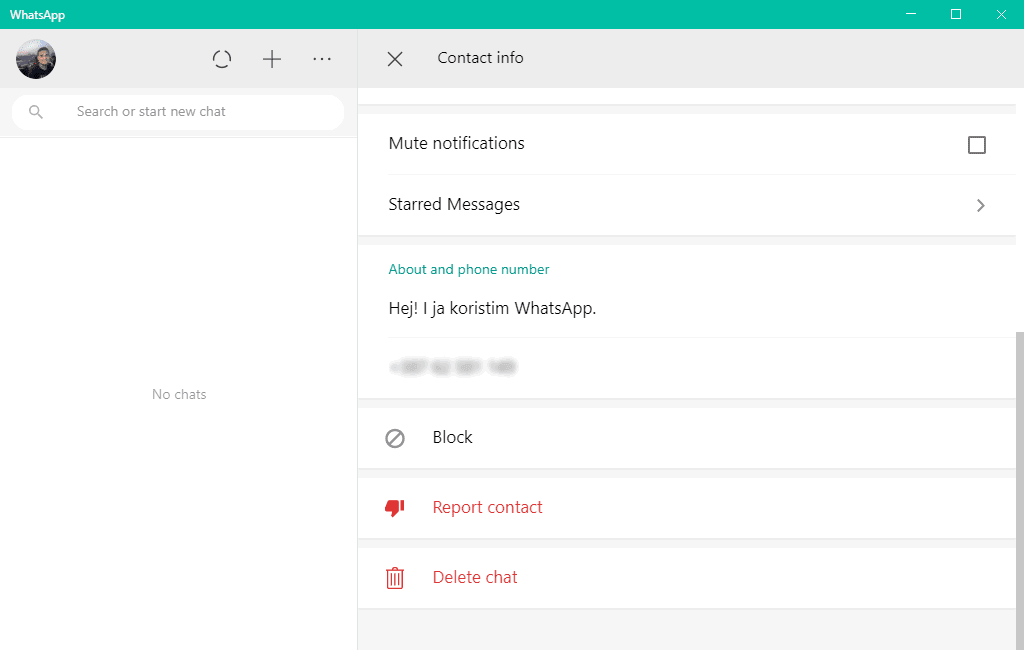
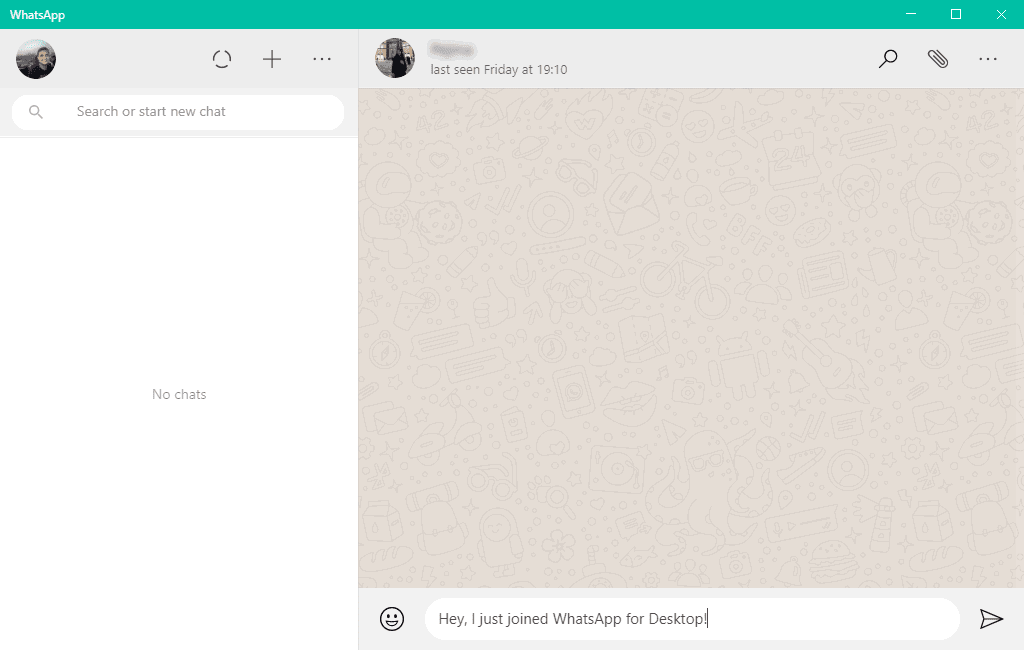
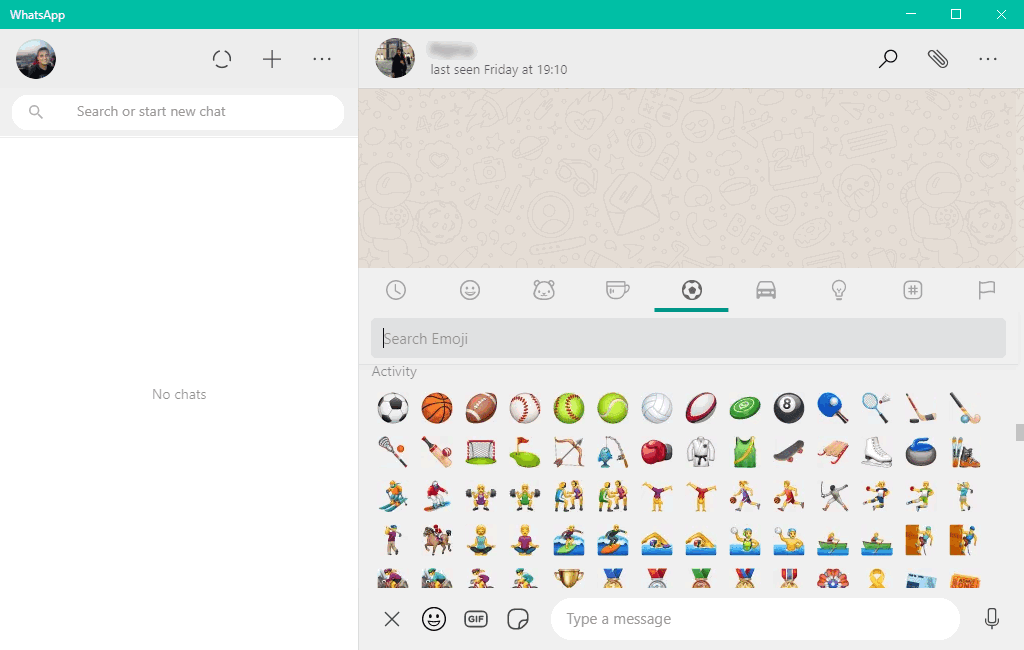
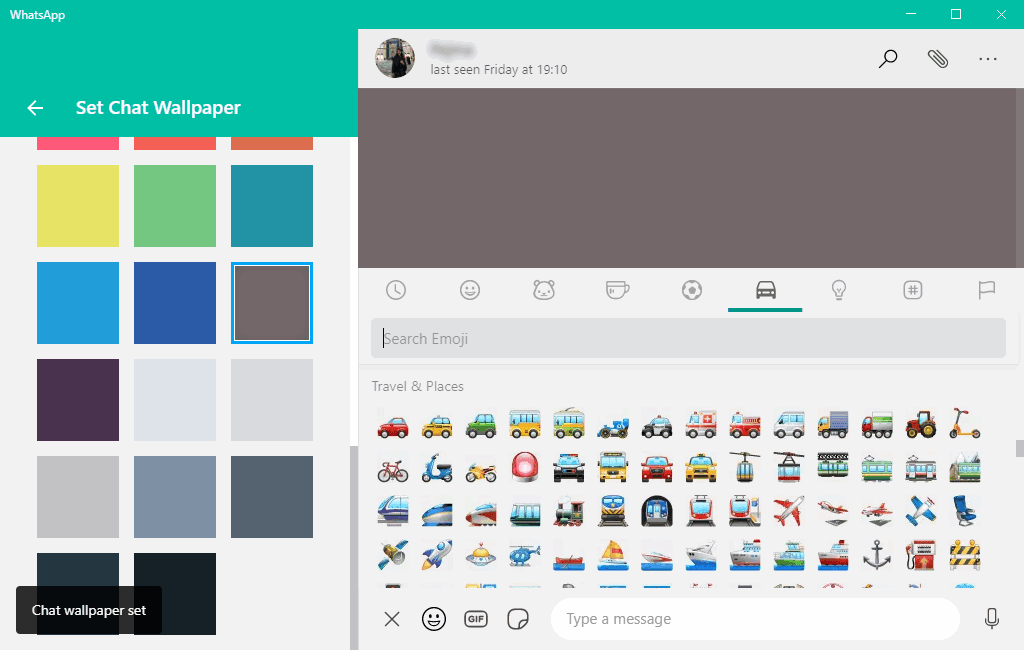
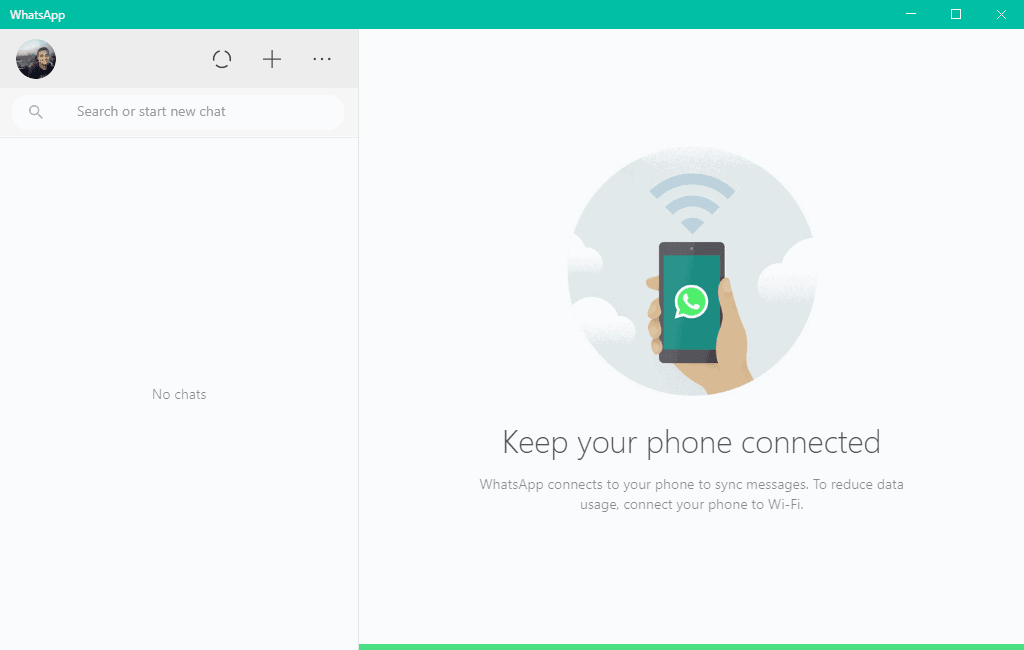
The app looks quite similar to the mobile version. It feels simple and elegant when compared to other PC apps that sometimes look a bit bloated with features. You have access to most mobile functionalities like group chats, sending photos, videos, and contacts, and communication is encrypted end-to-end.

Calls and Status updates on PC

In the past, a big minus was the lack of audio and video calls. Thankfully, recent updates have brought full support for one-to-one and group calls directly to your computer. You can also now post and view Status updates using the desktop client, closing the feature gap that used to frustrate users.

A solid desktop companion

WhatsApp Desktop is a useful app to have installed on your PC. While it once trailed far behind the mobile version, regular updates have brought it nearly up to par. A few minor management features still require your phone, but it handles daily communication perfectly.
Vedin Klovo
Vedin Klovo
App tester and reviewer
★★★★★
★★★★★

Pros

  • A clean and simple design
  • Looks and feels elegant like the mobile app
  • You can create groups and share files easily

Cons

  • Initial setup requires the mobile app to scan a QR code
  • Some advanced settings are only available on the phone
LicenseFree
Minimum requirements• WhatsApp installed on your phone (needs to have an Internet connection)
• .NET Framework 4.5
Previous versions
Operating systemWindows
Supported languagesAvailable in multiple languages
Other platformsAndroid
DownloadsTotal: 22148
Last week: 230
Download for Windows